Knowledge Hub
 Agility CMS
 Apostrophe
 Butter CMS
 Contentful
 Contentstack
 Cosmic
 Craft CMS
 DatoCMS
 DecapCMS
 Directus
 Forestry
 GatherContent
 Ghost
Ghost Headless WordPress
 Hygraph
 Kentico Kontent
 KeystoneJS
 LexasCMS
 Magnolia CMS
 Payload CMS
 Prismic
 Sanity
 Storyblok
 Strapi
 TakeShape
 Tina CMS
Agility CMS
Agility CMS Review and Features
Written by Thom Krupa
Last update: 1/21/2025
What is Agility?
Agility was born in 2002 in Canada. That makes it one of the oldest CMS in our Discovery Hub. It wasn't headless from the very beginning but eventually turned into one of the biggest Jamstack promoters, organizing a lot of meetups and webinars. You can find great content on their website. They educate people about the modern headless approach to building websites.
User Interface and Web Studio
Agility has significantly modernized its interface with the introduction of Web Studio, their innovative real-time content management solution.
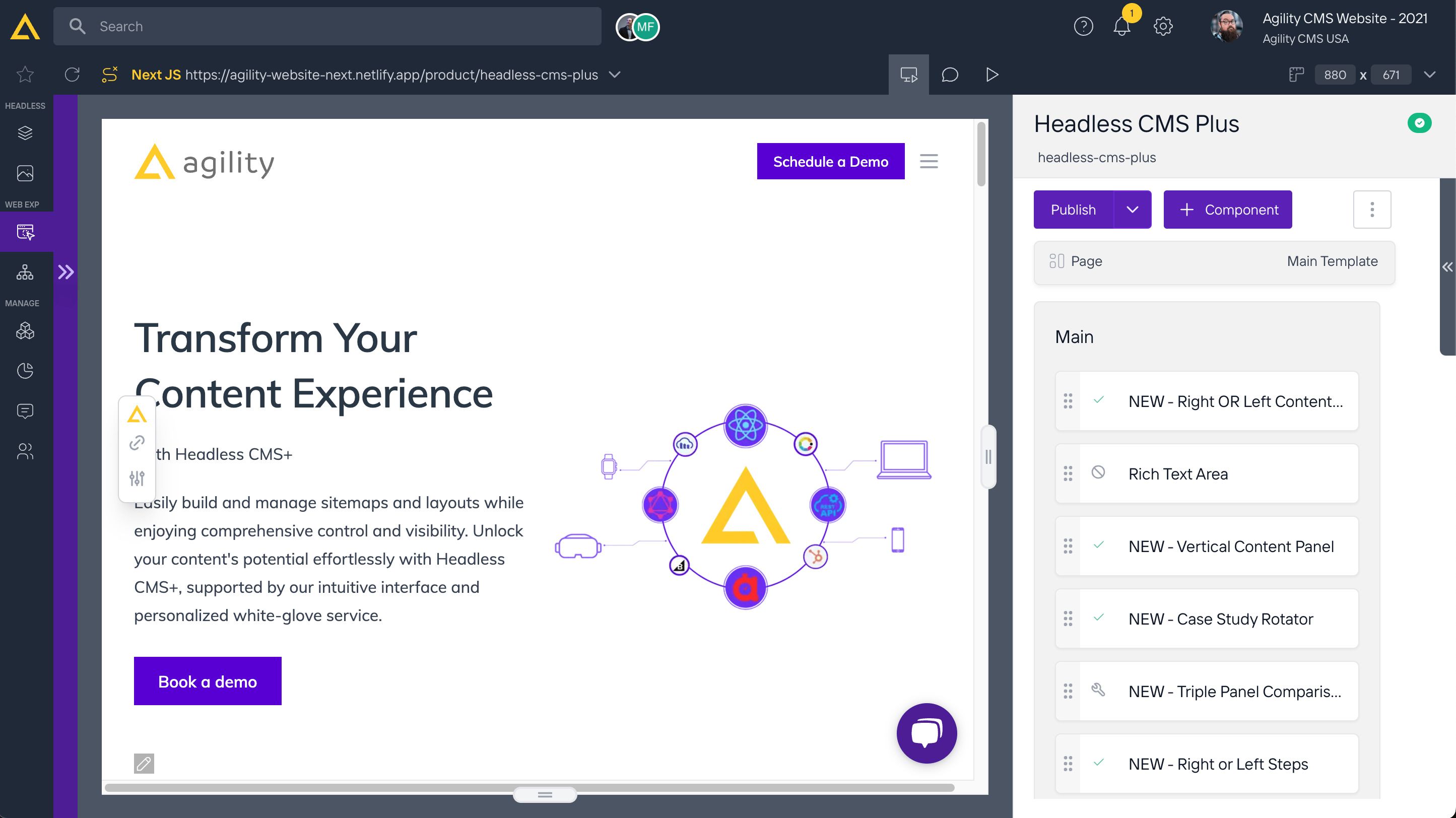
Agility's Web Studio is a powerful tool that transforms content management by providing a seamless, real-time experience for creating, editing, and collaborating on web pages. It combines an intuitive interface that allows users to preview content exactly as it will appear live with robust collaboration features like commenting, task assignment, and simultaneous multi-user editing. Web Studio empowers teams to create and manage pages effortlessly, streamlining workflows and ensuring faster, more efficient content delivery—all without leaving the Agility platform.
Getting started with Agility
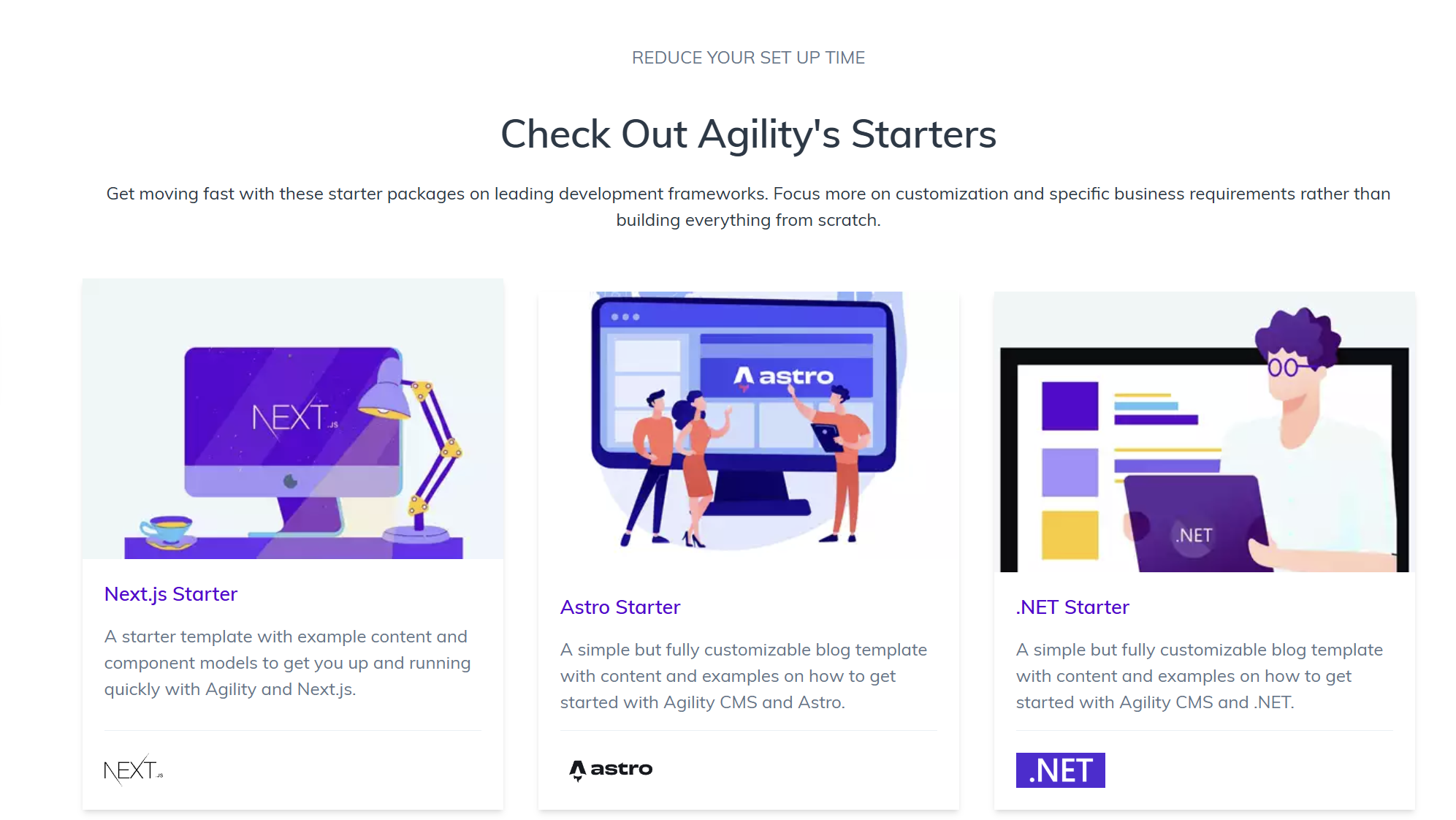
When you sign up Agility welcomes you with a quick starters screen. You can pick Next.js, Astro, Nuxt, Eleventy, and more, or start with a blank instance that you can customize yourself.
Seamless integration with Next.js and Vercel
I used the default Next.js starter and connected it to Vercel. What surprised me is the great integration between those tools. It took literally 3 clicks. Agility automatically sets up Previews Mode which means you can edit content, click preview and you will see changes in a new tab. That's a great implementation of Next.js Preview feature. Out of the box. That’s kind of the developer experience that makes composability shine.
It took about 5 minutes to set everything up.
Agility maintains an official gatsby-source-agilitycms plugin that integrates the CMS with the Gatsby GraphQL layer. It’s pretty basic integration, some features like gatsby-plugin-image are not supported yet.
Content Models
Agility offers a pretty advanced field configurator. You can choose from standard text fields to references and custom fields like color picker or video.
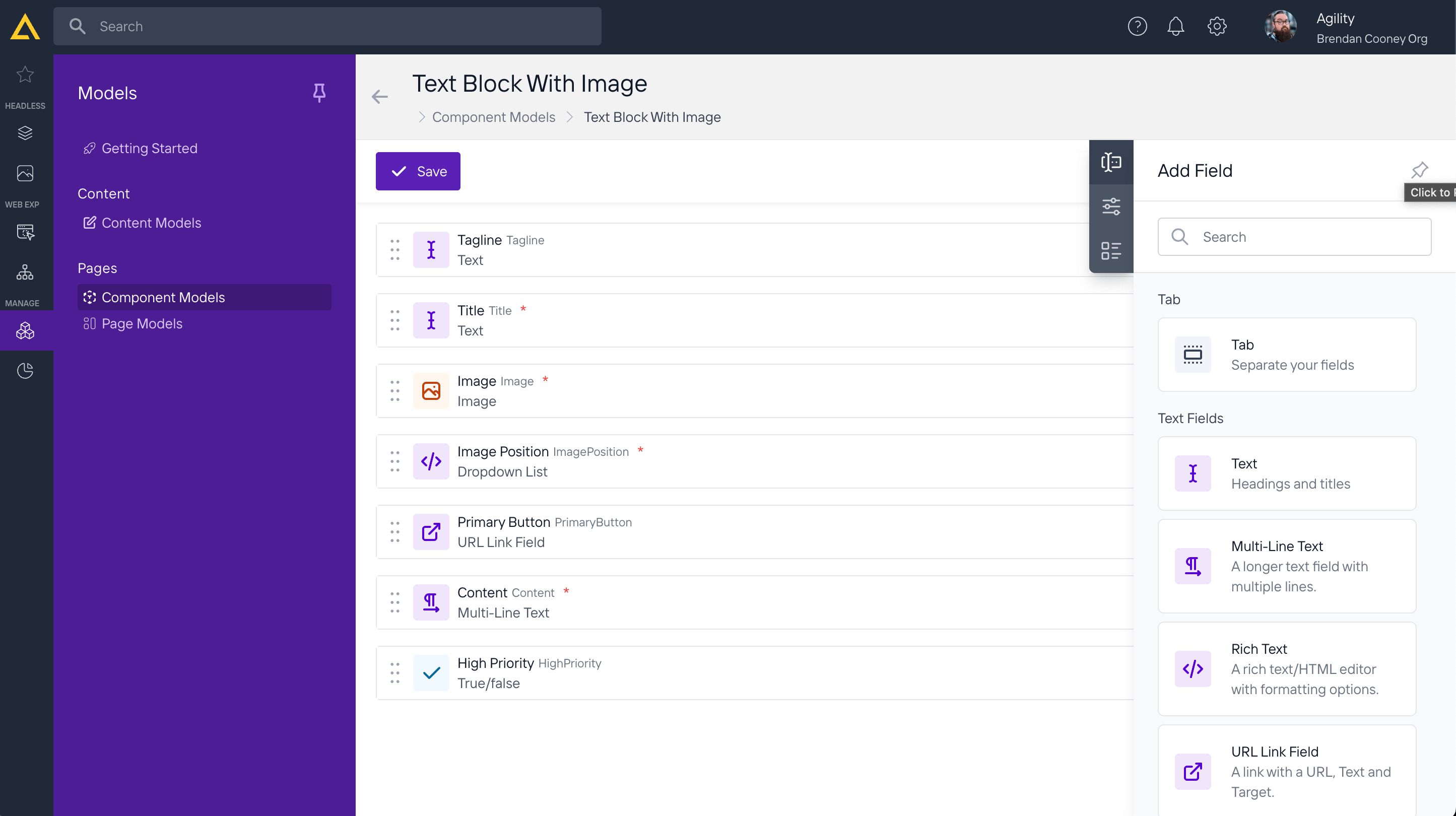
Using advanced settings you can set validation rules like a unique field and the same field value for every language.
Reports
In the reports tab, you can find a list of recent changes, items awaiting publication, and user activity. This is a nice place for a supervisor who needs to make sure what’s going on in the CMS space without spending too much time on browsing notifications.
Agility Pricing
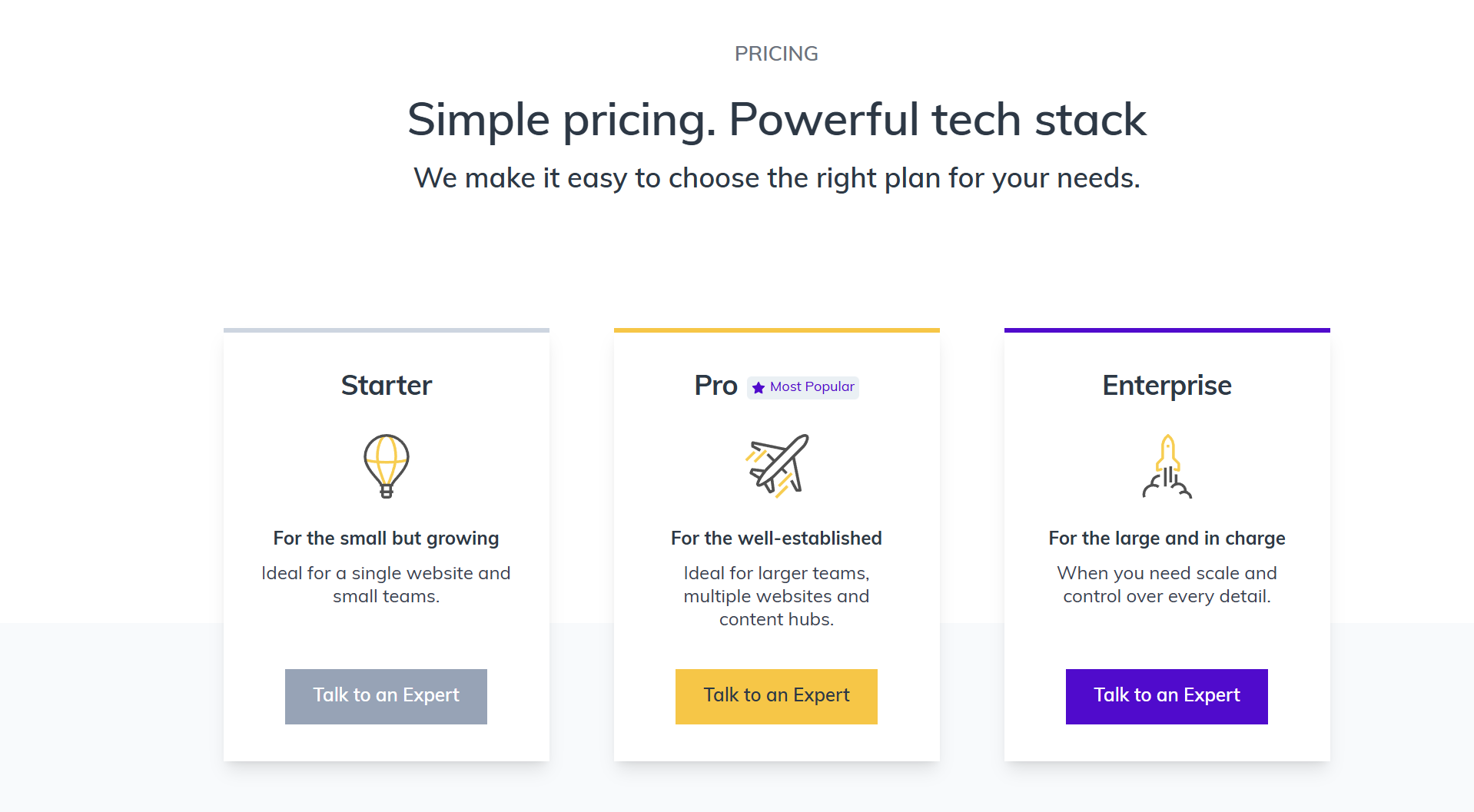
Agility comes with three plans and you can find a detailed comparison of them on their pricing page.
Agility Support
Agility is known for its reliable white-glove service and support, offering personalized assistance to help businesses maximize their CMS. From onboarding to ongoing technical guidance, their team ensures a smooth experience. Learn more about Agility’s support offerings and explore their Headless CMS+ service.